
Treatment Plans
Sharing the Patient Treatment Plan
Once you have crafted a treatment plan and defined your outcome measures, you can share the journey with your patient. ClinikaPath provides a secure, private portal — no patient account required.
4 sections
~3 min
Updated April 2026
Open the Share Patient Portal
Navigate to the specific patient's profile. In the top right header, next to the patient's unique ID and creation date, click the Share Portal button.
A Share Patient Portal modal will appear. It explains that a unique, secure link will be generated for this patient and that anyone with the link can view the treatment plan.
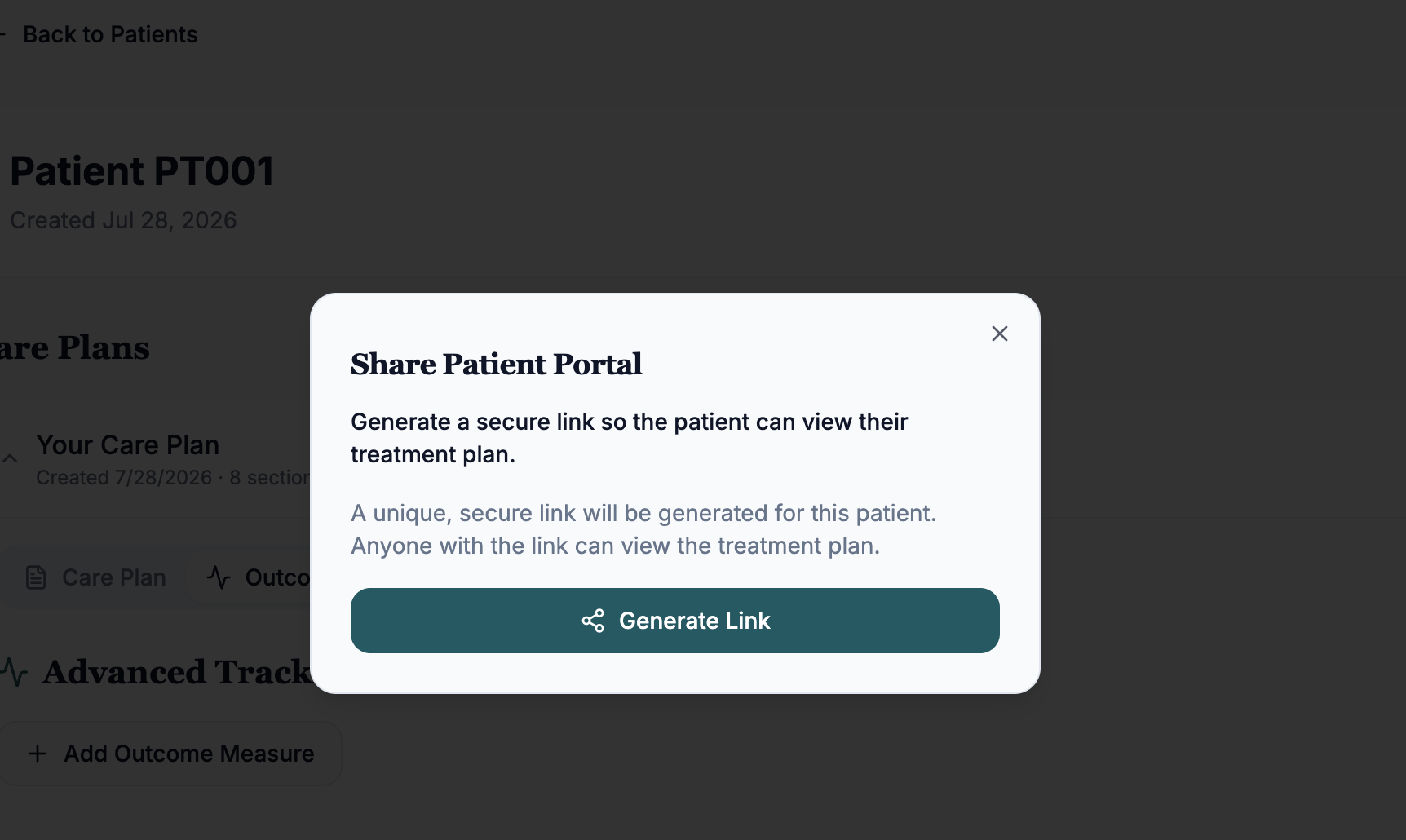
Generate and copy the secure link
- In the Share Patient Portal modal, click Generate Link.
- A unique, encrypted URL specifically for that patient will be created.
- Click the Copy Link button to save the URL to your clipboard.
- Security note: this link is the only way to access that specific patient's data. Because it contains no names or PHI, it is safe to send via standard communication channels.
Send the portal to your patient
You can now paste this link into your preferred communication tool to get the plan in front of your patient.
Pro tip: to reduce the number of separate emails a patient receives and keep all their recovery resources in one place, we recommend "stacking" this link inside the tools you already use.
- Home Exercise Programs (HEP): paste the link into the "Notes" or "Instructions" section of their exercise program (e.g., Physitrack). This allows the patient to see their daily exercises and their big-picture treatment plan in the same app.
- EMR systems: paste the link into the patient's profile notes or send it through your secure messaging portal (e.g., Jane, Cliniko, Atlas).
- Email/SMS: if you prefer direct contact, send a quick message: "Hi [Name], here is the visual treatment plan we discussed today. You can track our goals and the timeline here: [Paste Link]."
- In-clinic review: open the link on a tablet or computer during their session to review their progress graph and upcoming phases together. A great way to handle the "Why am I not doing [X] yet?" questions.
What the patient sees
When the patient opens the link, they will see a simplified, professional view of their care:
- The visual path: a clean timeline showing which phase of recovery they are currently in.
- Clinical milestones: clear goals for their current phase (e.g., "Restore full range of motion").
- Progress graphs: if you have logged scores in Advanced Tracking, they will see the blue trend line moving toward their green goal line.
Quick tips for clinic owners
- Real-time updates: you do not need to send a new link every time you make a change. The portal updates in real-time. As soon as you log a new score or edit a phase, the patient's view updates automatically.
- Revoking access: if you wish to stop sharing the portal, simply delete the Treatment Plan or the Patient ID from your dashboard. The link will immediately become inactive.